User Manual & System Guide
คู่มือการใช้งานระบบอัตโนมัติ
Complete bilingual manual detailing render engines, voice narration, playlist scheduling, social posting, payment tokenization, and affiliate systems.

🎨 Platform Interface & Feature Showcase
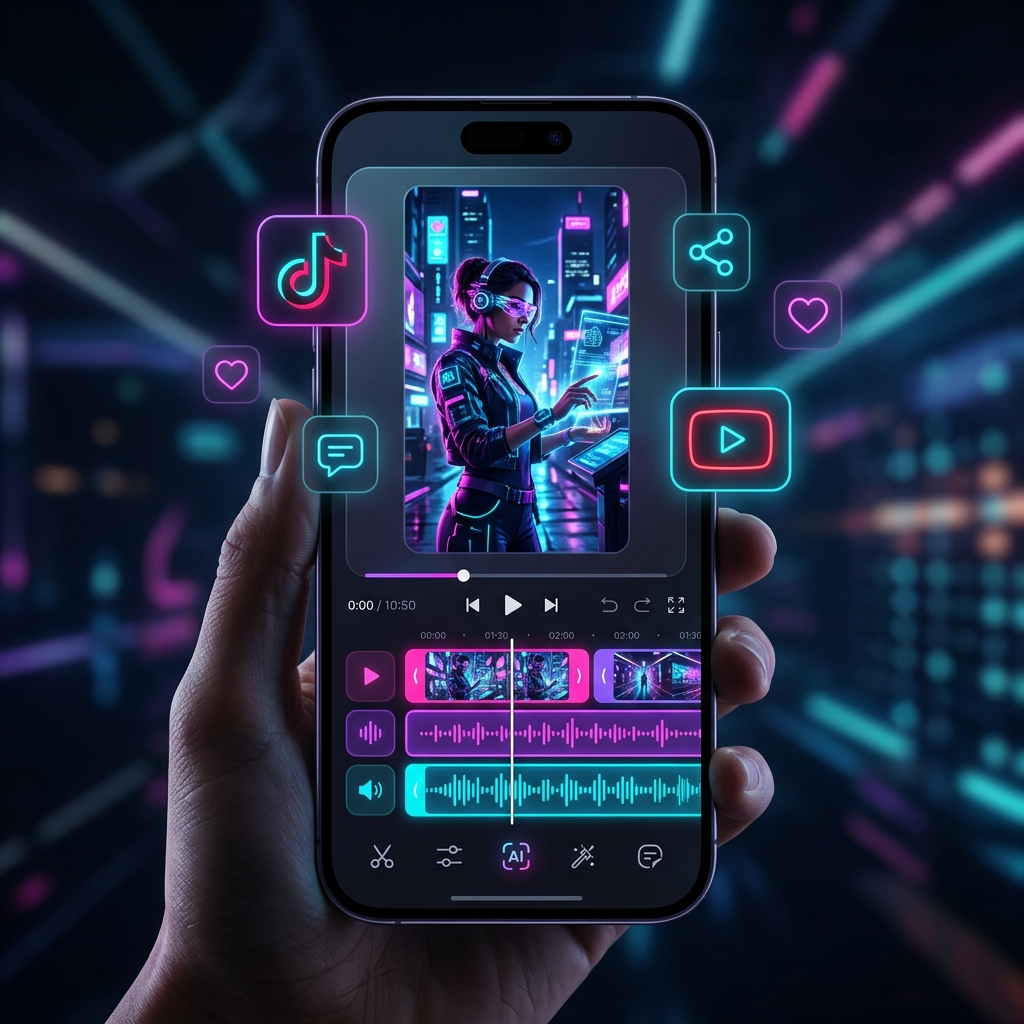
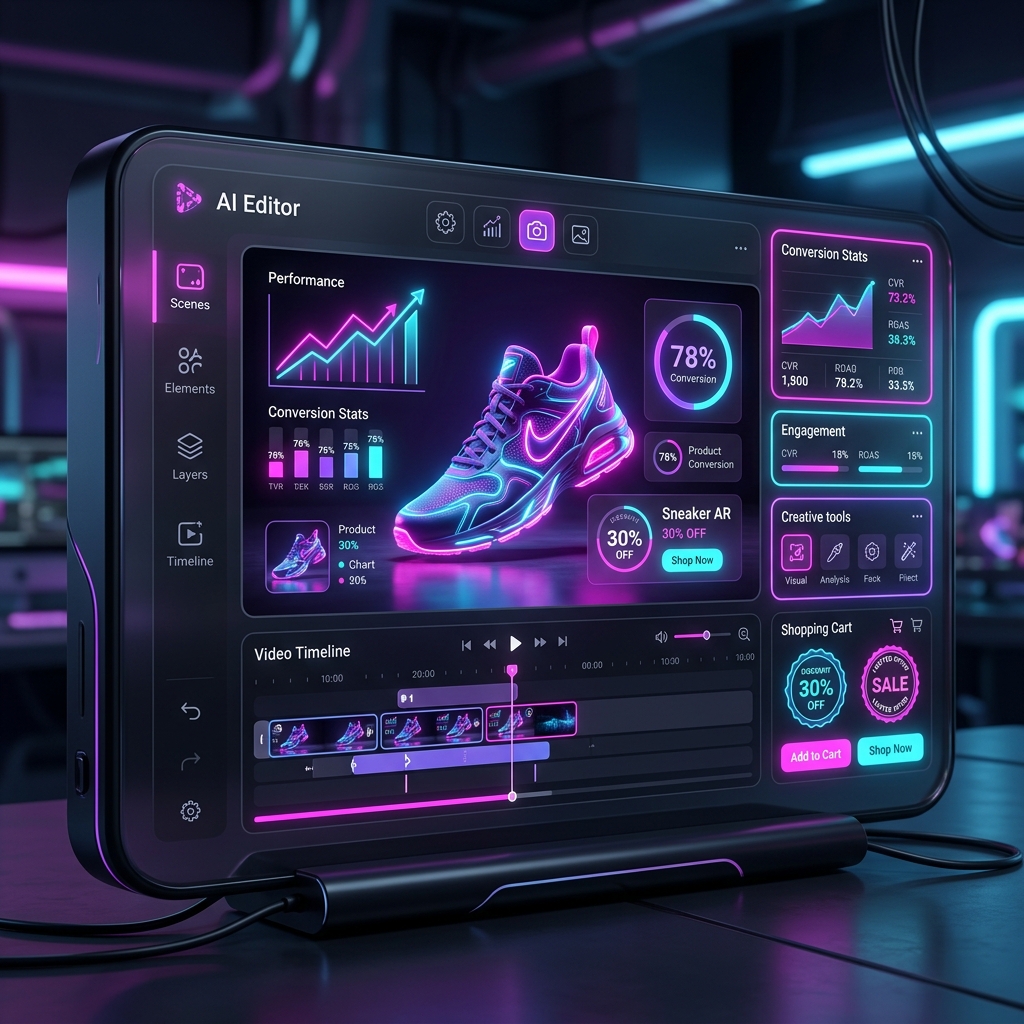
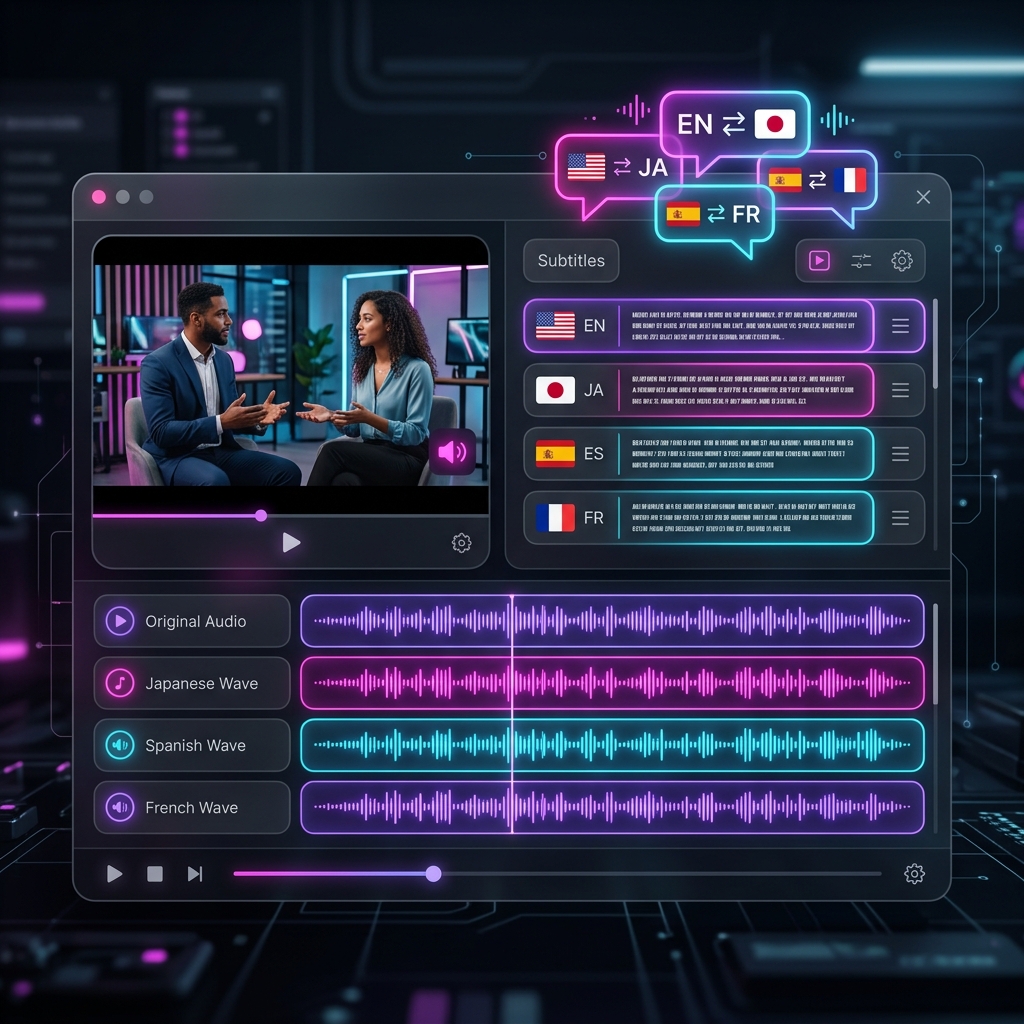
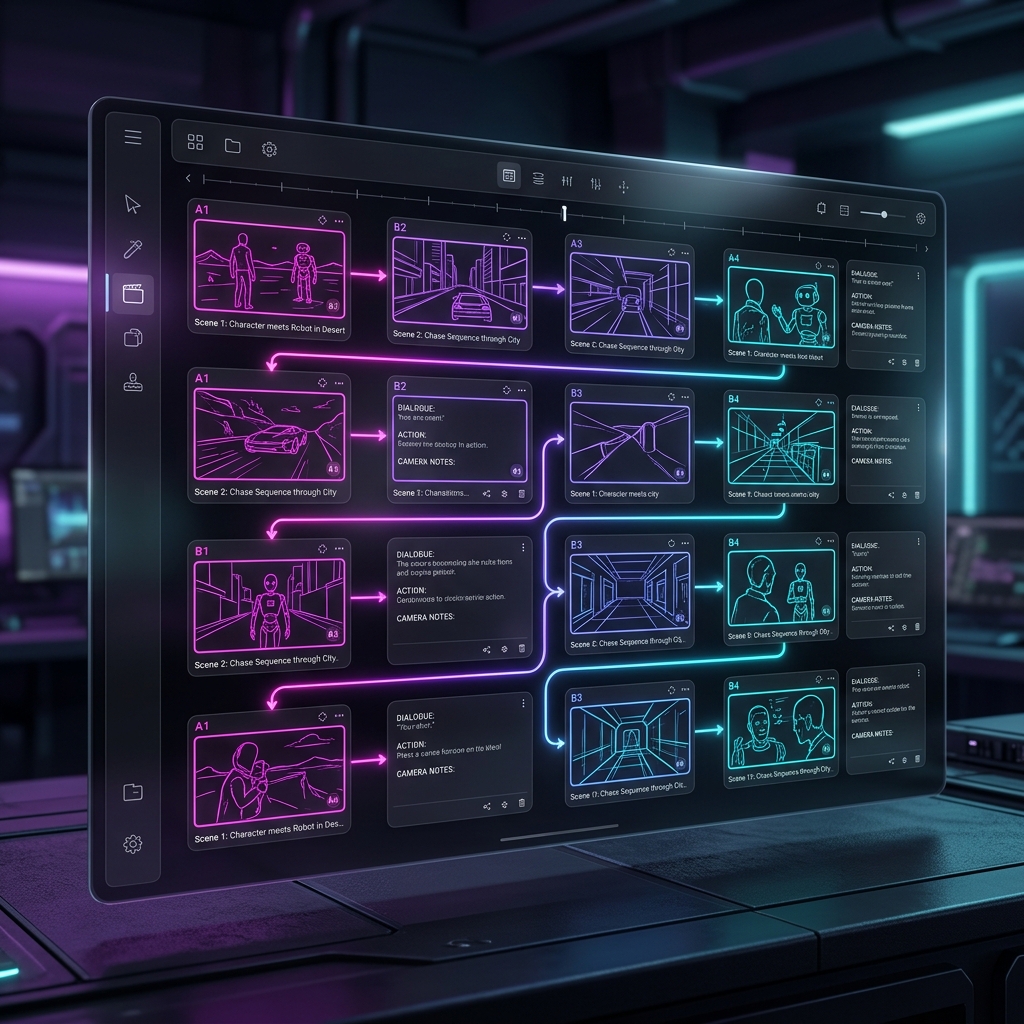
Visual layouts and interactive dashboards of the NovaAutoClip automated creator pipelines. (ภาพจำลองบรรยากาศหน้าห้องแล็บสร้างภาพและระบบประมวลผลอัจฉริยะต่าง ๆ)



🎬 AI Video Studio Render Core
Video Creation Suite
The core engine generates high-fidelity automated videos via 4 dedicated pipelines:
- AI Shorts Creator (2,000 Credits): Auto-generates trending vertical scripts, gathers stock clips via Pexels API, overlays bilingual subtitles, and renders voice narration. Integrates Dynamic Storytelling layouts (Type 1 for < 120s and Type 2 Three-Act structure for >= 120s) with localized hashtags automatically.
- Music Video Creator (100 Credits/Sec): Syncs visual transition cuts to background music beat-drops using audio beat-detection algorithms.
- Series Creator (6,000 Credits): Generates continuous story arcs across multiple episodes with advanced multi-voice casting.
- Marketing Ad Creator (4,000 Credits): Crafts sales copywriting and overlays brand call-to-actions (CTA).
- Bulk CSV Generator: Upload structured CSV sheets to mass-produce multiple videos in parallel, running cleanly in background worker queues.
- Brand Kits Presets: Save custom visual identities (fonts, text colors, highlight colors, shadows, and watermark logos) to reuse instantly.
- Auto-Thumbnail Generator with High CTR (v2.6.1): Harnesses Gemini AI to generate viral curiosity-inducing 1-3 word hook text, overlays dual curiosity gradients, neon outer borders, and stamped red warning badges to maximize CTR.
ระบบสร้างวิดีโออัจฉริยะ
แกนหลักการเรนเดอร์วิดีโอมี 4 รูปแบบการทำงานหลัก ดังนี้:
- เครื่องมือสร้างคลิปสั้น AI (2,000 เครดิต): สร้างสคริปต์สั้นที่เป็นกระแส ดึงคลิปฟุตเทจจากสต็อก ซ้อนคำบรรยายสองภาษา และพากย์เสียงอัตโนมัติ โดยวิเคราะห์ความยาวเพื่อใช้โครงสร้างเล่าเรื่องแบบ **Type 1** หรือ **Type 2 (องก์ 3 เรื่องยาว)** พร้อมใส่แฮชแท็กตามภาษาต้นฉบับ
- เครื่องมือสร้างมิวสิควิดีโอ (100 เครดิต/วินาที): ซิงค์ตัดต่อภาพให้ตรงกับบีทของเพลงโดยระบบตรวจจับสัญญาณเสียง
- เครื่องมือสร้างซีรีส์ (6,000 เครดิต): ผลิตบทละครต่อเนื่องยาวหลายตอนพร้อมระบบคัดเลือกเสียงผู้พูดหลายตัวละคร
- เครื่องมือสร้างโฆษณาการตลาด (4,000 เครดิต): เขียนคำโฆษณากระตุ้นยอดขายพร้อมใส่ลายน้ำแบรนด์และ CTA
- ระบบสร้างวิดีโอแบบกลุ่ม (Bulk CSV): อัปโหลดตารางข้อมูลไฟล์ CSV เพื่อผลิตวิดีโอหลายคลิปพร้อมกันในคราวเดียว โดยประมวลผลผ่านคิวงานเบื้องหลัง
- จัดการเทมเพลตแบรนด์ (Brand Kits): บันทึกรูปแบบดีไซน์คำบรรยาย ฟอนต์ สีตัวอักษร ไฮไลต์เน้นคำ และโลโก้ลายน้ำเพื่อนำไปใช้ซ้ำในคลิปต่าง ๆ ได้รวดเร็ว
- ระบบผลิตหน้าปกดึงดูดคลิกสูง (High CTR Thumbnail) (v2.6.1): วิเคราะห์บทวิดีโอเพื่อใช้ Gemini เขียนคำพาดหัวสั้น 1-3 คำกระตุ้นความอยากรู้ ทับหน้าปกด้วยฟิลเตอร์ไล่เฉดสีเพิ่มคอนทราสต์ ล้อมกรอบนีออน และติดสติกเกอร์ Badge คำเตือนสีแดงเพื่อดึงดูดสายตา
🎙️ AI Voice & Podcast Lab Voice synthesis
Narrative & Synthesizer Studio
Features 17 premium Edge-TTS neural voices in English and Thai with pitch/rate configurations.
- Voice preview: Click "Play Sample" next to any voice dropdown to hear a localized greeting preview (applies custom pitch and speed rates dynamically).
- AI Podcast Scriptwriter: Select a preset theme or enter custom topic prompts. Clicking "Write Podcast Script" calls Gemini AI to write a high-fidelity script.
- Library Integration: Toggle "Save to Central Library" to write generated files directly into your cloud folders for reuse.
- AI Voice Cloning: Upload a short vocal sample (10-30s) under Cloned Voices list to use custom vocals.
- Two-Hosts News Podcast (v2.6.1): Format scripts using co-host prefixes (e.g. Ava: [text], Andrew: [text] for English, or Premwadee: [text], Niwat: [text] for Thai). Features dual talking avatars that move their mouths only when speaking, perform idle breathing/swaying animations when listening, neon halos reacting to voice peaks, and automatic camera zooms focusing on the speaking host in real-time.
ห้องแล็บเสียงพากย์และพอดแคสต์
ระบบเสียงสังเคราะห์พรีเมียม 17 แบบเสียง ในภาษาไทยและภาษาอังกฤษ ปรับเปลี่ยนระดับเสียงและความเร็วได้
- ทดลองฟังเสียงพากย์: คลิกปุ่ม "Play Sample" ข้างเสียงที่เลือกเพื่อฟังเสียงทักทายตัวอย่าง (จำลองโทนเสียงปรับคีย์สปีดความต่างตามระดับจริงตัวละคร)
- เขียนบทพอดแคสต์ AI: เลือกหัวข้อสำเร็จรูปหรือพิมพ์สคริปต์ที่ต้องการ จากนั้นกด "Write Podcast Script" ให้ระบบ Gemini เขียนบทให้อัตโนมัติ
- บันทึกเข้าคลังส่วนกลาง: เปิดบันทึกเพื่อบันทึกเสียงพากย์ที่สร้างเก็บไว้ใช้งานต่อได้ทันที
- ระบบโคลนนิ่งเสียง AI (Voice Cloning): อัปโหลดไฟล์เสียงสั้น 10-30 วินาที เพื่อสร้างเสียงสังเคราะห์เฉพาะตัว
- ระบบผู้ประกาศข่าวคู่/พอดแคสต์ (v2.6.1): เขียนสคริปต์สลับกันโดยระบุผู้พูด (เช่น Ava: และ Andrew: สำหรับอังกฤษ หรือ Premwadee: และ Niwat: สำหรับไทย) ระบบรองรับการเรนเดอร์ปากขยับตามเสียงพูดจริง แยกเสียงพูดออกเป็นคนละแทร็คอย่างสมบูรณ์แบบ มีอนิเมชันขยับร่างกาย (Micro-animations) ขณะเป็นผู้ฟังไม่ให้ภาพค้าง มีนีออนเรืองแสงตามเสียงพูด (Responsive Glow) และระบบแพนกล้องขยายผู้พูดอัตโนมัติ (Dynamic Speaker Zoom)
🎵 AI Music Lab Background Tracks
Procedural Audio Generator
Generate royalty-free background music tracks dynamically matching various atmospheric genres.
- Atmosphere Selector: Choose from Lo-Fi, Synthwave, Acoustic, Cyberpunk, Ambient, or Horror.
- Instrument Mixing: Mix instruments like Piano, Acoustic Guitars, and Synthesizers.
- Speed settings: Custom tempo (Slow, Medium, Fast) adjusts the procedural composition loop speed.
ห้องแล็บดนตรีประกอบ AI
สร้างดนตรีประกอบปลอดค่าลิขสิทธิ์แบบไดนามิก เข้ากันได้กับบรรยากาศของวิดีโอหลายประเภท
- เลือกแนวเพลง: มี Lo-Fi, Synthwave, Acoustic, Cyberpunk, Ambient, หรือ Horror ให้เลือก
- ผสมผสานเครื่องดนตรี: เลือกเครื่องดนตรีเช่น เปียโน, กีตาร์โปร่ง, ซินธิไซเซอร์ ร่วมกันได้
- ความเร็วเพลง: ปรับความเร็วบีท (ช้า, ปานกลาง, เร็ว) เพื่อให้เข้ากับอารมณ์ของวิดีโอ
📂 Central Asset Library Branding Storage
Central Storage & Font Overlay Manager
Enables organizers to store branding assets that feed into all automated generation steps:
- Supported Assets: Upload `.mp4` background footages, `.png` watermarks/stickers, `.mp3` bgm music tracks, and `.ttf` subtitle fonts.
- Alpha Blend Rendering: Transparent `.png` stickers are automatically overlaid onto top corners of videos using PIL alpha compositing.
- Font Overlay: The render pipeline queries the fonts folder to apply custom typography to vertical subtitles.
คลังสินทรัพย์ส่วนกลางและการจัดการลายน้ำ
ระบบบันทึกไฟล์ส่วนกลางเพื่อใช้ดึงไปประกอบการสร้างวิดีโอและซ้อนลายน้ำ:
- ประเภทไฟล์ที่รองรับ: อัปโหลดวิดีโอพื้นหลัง `.mp4`, สติกเกอร์ลายน้ำ `.png`, เพลงบรรเลง `.mp3`, และฟอนต์ภาษาไทย `.ttf`
- การเบลนดิ้งความใส: ไฟล์ลายน้ำใสจะถูกซ้อนทับมุมวิดีโออัตโนมัติด้วยเทคนิค PIL Alpha
- ฟอนต์อักษร: ระบบเรนเดอร์จะดึงฟอนต์ที่อัปโหลดมาเขียนซับไตเติ้ลสองภาษาได้อย่างสวยงาม
🤖 Autopilot Scheduler Post Loops
Loop Posting Campaign Manager
Automate video generation and social media publishing on set recurring schedule frequencies.
- Posting Intervals: Loop triggers every 6, 12, or 24 hours.
- Auto-Scriptwriter: If topics pool is empty, Gemini AI dynamically writes a new concept matching the campaign niche.
- Post Scheduler Upgrades (v2.6.1): Supports timezone selection, weekend exclusion (skipping Sat/Sun and rolling next runs to Monday), daily specific hour lists (HH:MM), and template-based style presets override configuration mappings.
- Tier enforcement rules:
Tier Max Campaigns Min Interval Starter 1 Campaign 24 Hours Pro Creator 3 Campaigns 12 Hours Agency Unlimited 6 Hours
ระบบตั้งเวลาโพสต์อัตโนมัติ (Autopilot)
ตั้งแคมเปญโพสต์และผลิตวิดีโอลงสื่อสังคมออนไลน์ตามรอบเวลาที่กำหนดโดยไม่ต้องทำเอง
- ความถี่โพสต์: เลือกรอบโพสต์ได้ทุกๆ 6, 12 หรือ 24 ชั่วโมง
- สุ่มหัวข้อ AI: หากไม่มีพูลหัวข้อที่เตรียมไว้ Gemini จะสุ่มหัวข้อใหม่ให้ตามแคมเปญ
- การตั้งค่าโพสต์ระดับสูง (v2.6.1): รองรับการเลือกโซนเวลา (Timezone), การเว้นวันหยุดสุดสัปดาห์ (ไม่โพสต์เสาร์-อาทิตย์โดยระบบจะเลื่อนไปวันจันทร์ถัดไปโดยอัตโนมัติ), กำหนดเวลาโพสต์เจาะจงรายวัน (ระบุเป็น HH:MM หลายช่วงเวลาได้), และผูกการใช้รูปแบบดีไซน์ผ่านการใช้วิดีโอเทมเพลตสำเร็จรูป
- การจำกัดสิทธิ์แต่ละระดับสมาชิก:
ระดับ แคมเปญสูงสุด รอบเวลาขั้นต่ำ Starter 1 แคมเปญ 24 ชั่วโมง Pro Creator 3 แคมเปญ 12 ชั่วโมง Agency ไม่จำกัด 6 ชั่วโมง

🔑 Social Accounts & Credentials OAuth & Cookies
API OAuth & Cookies Upload
Securely link multiple social channels with tenant cookie file isolation:
- YouTube Integration: Configure OAuth Desktop application client details. Run the console auth tool (Option 3 in `login_helper.py`) and upload the compiled `credentials.json` token. The backend automatically saves refreshed OAuth tokens on expiry.
- TikTok & Instagram Integration: Run `login_helper.py` options 1 or 2 locally to save cookies from browser, then upload the generated cookie JSON file.
- Tenant Isolation: Credentials are saved under user directories: `data/users/
/` preventing account collision.
การเชื่อมโยงบัญชีโซเชียลมีเดีย
ระบบเชื่อมช่องอัตโนมัติแยกตามผู้ใช้งานแบบปลอดภัยผ่านคุกกี้และ OAuth:
- เชื่อมต่อ YouTube: ตั้งค่าแอปพลิเคชัน Google OAuth รันสคริปต์ในคอนโซล (ตัวเลือกที่ 3 ใน `login_helper.py`) เพื่อเก็บโทเค็นและอัปโหลดไฟล์ `credentials.json` ซึ่งระบบจะรีเฟรชโทเค็นให้อัตโนมัติเมื่อหมดอายุ
- เชื่อมต่อ TikTok & Instagram: รัน `login_helper.py` ตัวเลือก 1 หรือ 2 ในเครื่องเพื่อดึงคุกกี้เบราว์เซอร์ แล้วอัปโหลดไฟล์ JSON คุกกี้ที่ได้เข้าระบบ
- ความปลอดภัยระดับบัญชี: แยกไฟล์คุกกี้เก็บใน `data/users/
/` ไม่ให้ชนกัน

💳 Secure Billing & Pricing Omise QR
Credit Packages & Bank Gateway
Manage subscription packages and top-up credits securely.
- Credit Card Processing: Powered by secure card tokenization using `omise.js` library, preventing raw card data from touching the backend.
- PromptPay QR Code: Prompts dynamic PromptPay QR code generation for quick mobile banking payments.
- Refund Safeguard: Credits are deducted before starting background renders. If compilation fails,Spent credits are instantly auto-refunded to the database.
แพ็กเกจสมาชิกและระบบเติมเงินปลอดภัย
สมัครสมาชิกและเติมเครดิตสำหรับใช้งานเจเนอเรตวิดีโอผ่านช่องทางอัตโนมัติ
- ระบบบัตรเครดิตการ์ด: ควบคุมโดย Tokenization ของระบบ Omise ปลอดภัย ไม่ผ่านหลังบ้านโดยตรง
- คิวอาร์โค้ดพร้อมเพย์: แสดงสลิปและคิวอาร์โค้ดสำหรับการสแกนจ่ายผ่านธนาคารบนมือถือทันที
- คืนเครดิตอัตโนมัติ: หักแต้มเมื่อเริ่มเรนเดอร์ และจะโอนคืนเข้ากระเป๋าทันทีหากการทำงานล้มเหลว
💬 Help FAQ & Support Chatbot Support Tickets
FAQ Filter, Tickets, & Support Agent
Instant support portal combining AI assistant and admin tickets manager.
- FAQ Accordion Search: Toggles and searches help questions.
- Nova AI Assistant Chat: Custom-prompted support agent running Gemini. Understands setup parameters and tier limits. Answer queries bilingual.
- Support Tickets: Submit messages categorized under billing/errors. Admin Portal lists all tickets for quick resolution.
คำถามที่พบบ่อยและแชทบอทช่วยเหลือ
ระบบดูแลลูกค้าแบบครบวงจรประกอบด้วย FAQ, แชทบอท และตั๋วคำถามผู้ดูแล
- ค้นหาคำตอบ FAQ: หน้าข้อมูลการเชื่อมต่อและวิธีแก้เบื้องต้น ค้นหาคำตอบได้ทันใจ
- แชทบอท Nova AI: ระบบตอบคำถามอัตโนมัติใช้ Gemini โดยเข้าใจเงื่อนไขแอปพลิเคชันอย่างดี ตอบข้อมูลถูกต้องรวดเร็วสองภาษา
- ส่งตั๋วช่วยเหลือ: ยื่นตั๋วแจ้งปัญหาเพื่อให้ผู้ดูแลระบบตรวจสอบและอัปเดตสถานะใน Admin Portal
🔗 Affiliate Program System 30% commission
Referral Link Tracking & Ledger
Share links, track referrals, and earn recurring payouts.
- Click tracking: Logs sessions using 30-day tracking cookies when visiting with `?ref=username` params.
- 30% Reward commissions: checkout payments automatically credit a 30% commission as pending rewards.
- Payout submissions: Click "Request Payout" when unpaid balance exceeds **$50.00** threshold. Admins review and mark commissions as paid inside the ledger.
โปรแกรมพันธมิตรแนะนำเพื่อน (Affiliate)
แนะนำเพื่อนผู้ใช้งานเพื่อรับค่าคอมมิชชั่นสะสมระยะยาว 30%
- ติดตามคุกกี้ 30 วัน: ติดตามการคลิกผ่านตัวแปร `?ref=username` และเก็บบันทึกผู้แนะนำในการสมัคร
- คอมมิชชั่น 30%: เมื่อผู้สมัครใหม่สั่งซื้อแพ็กเกจ ยอดเงินรางวัล 30% จะเข้าบัญชีพันธมิตรค้างจ่าย
- ขั้นตอนเบิกจ่าย: สามารถกดปุ่ม "ถอนรายได้" เมื่อสะสมขั้นต่ำครบ **$50.00** เพื่อให้ผู้ดูแลระบุเป็นจ่ายแล้วในระบบหลังจ่ายเงินจริง